
See your site from anywhere.
CeePlayer is the platform behind every CEECAM deployment. Cameras connect to it the day they are installed, so there is nothing for your team to set up, host or maintain.
The platform
What your team actually sees
These are real screenshots from a live deployment. Project names and camera identifiers have been masked.
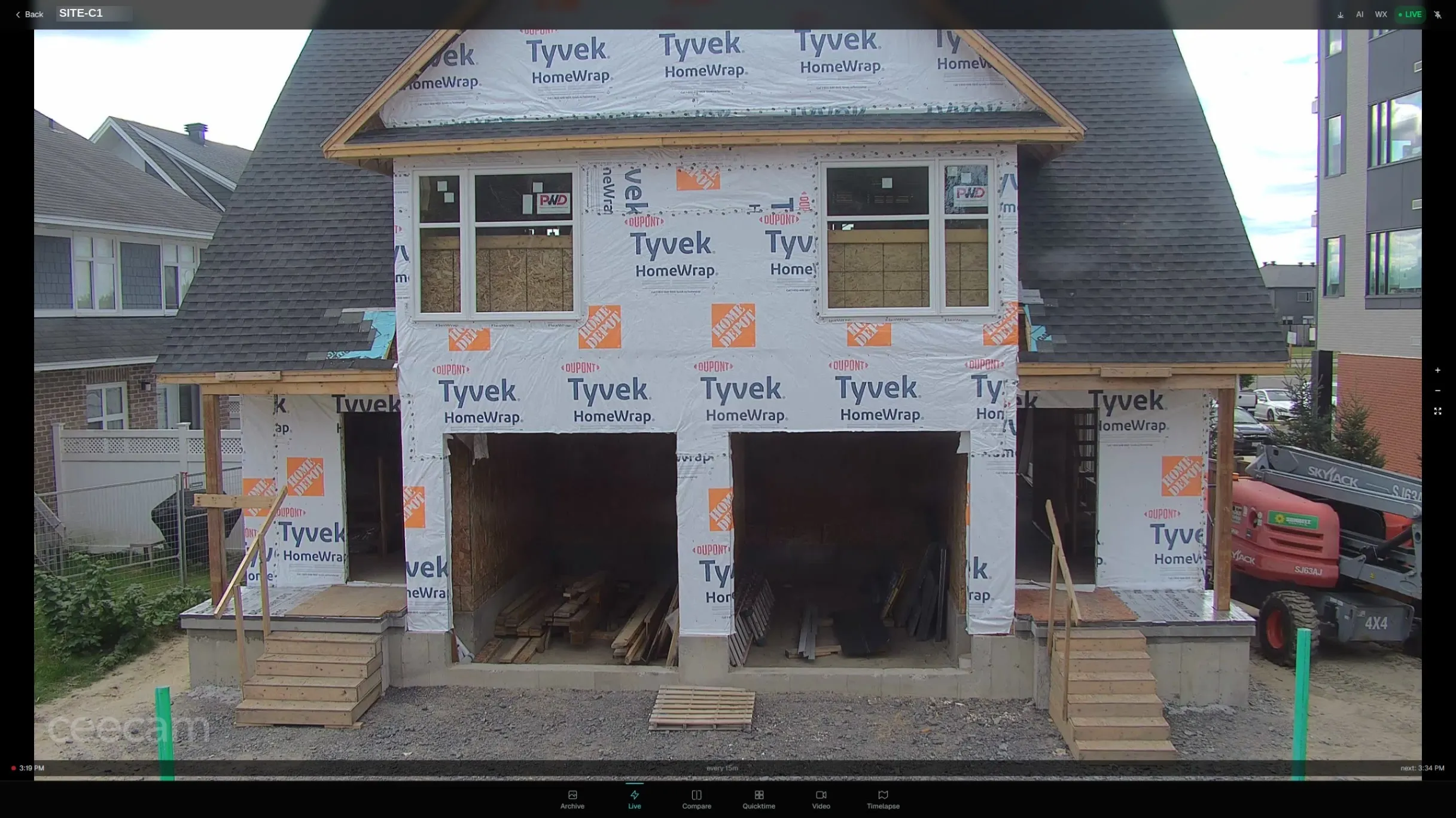
Live
The current view, and every view before it
Open a camera and you are looking at the latest image. The tabs along the bottom move between live, the full archive, side-by-side comparison, and finished timelapses. Capture cadence is set per location, from hourly down to sub-minute.
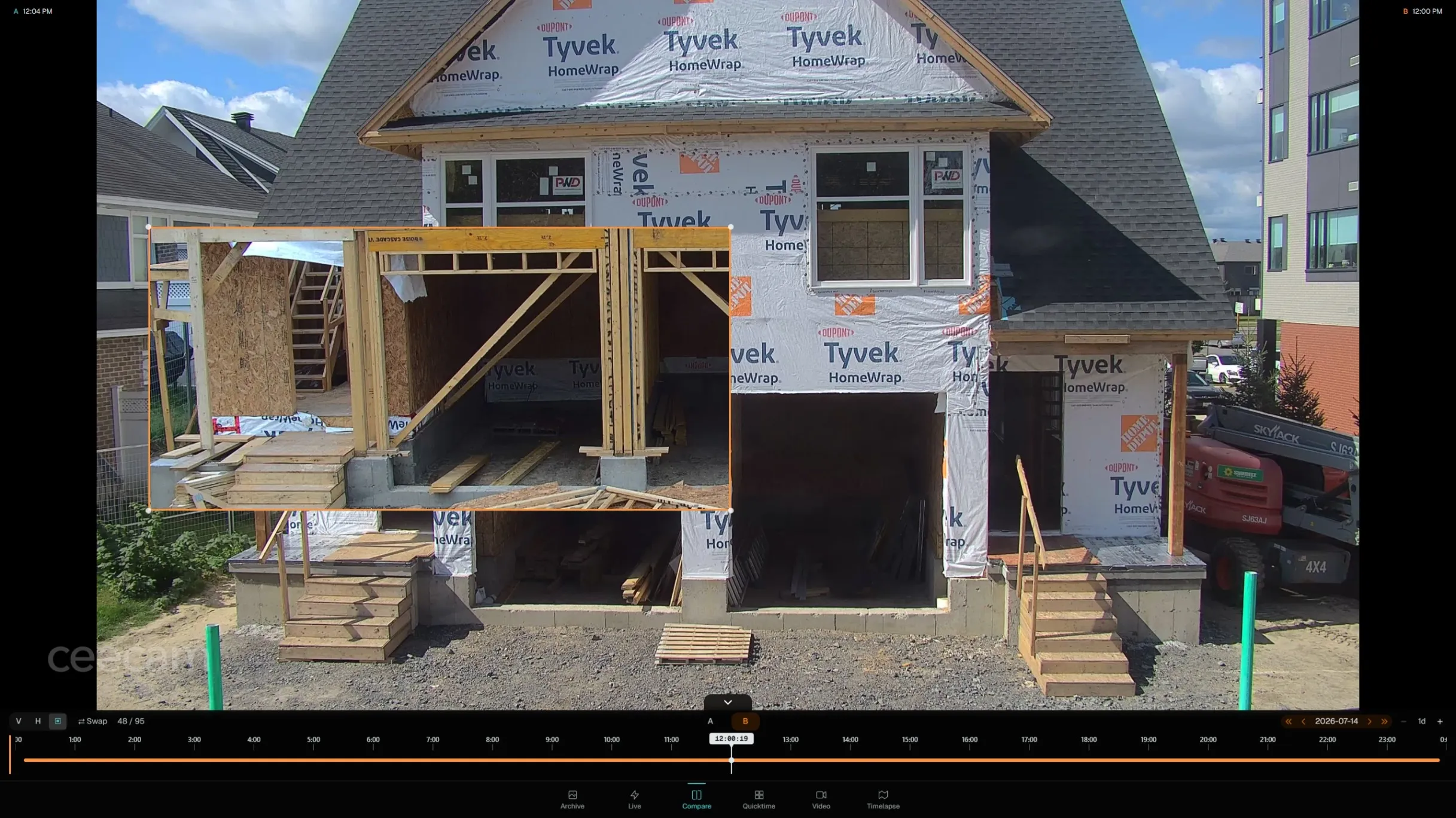
Compare
Any two dates, on screen together
Drag one date over another to see what changed. Useful for confirming a milestone landed when the schedule says it did, or for showing an owner the difference a month made.
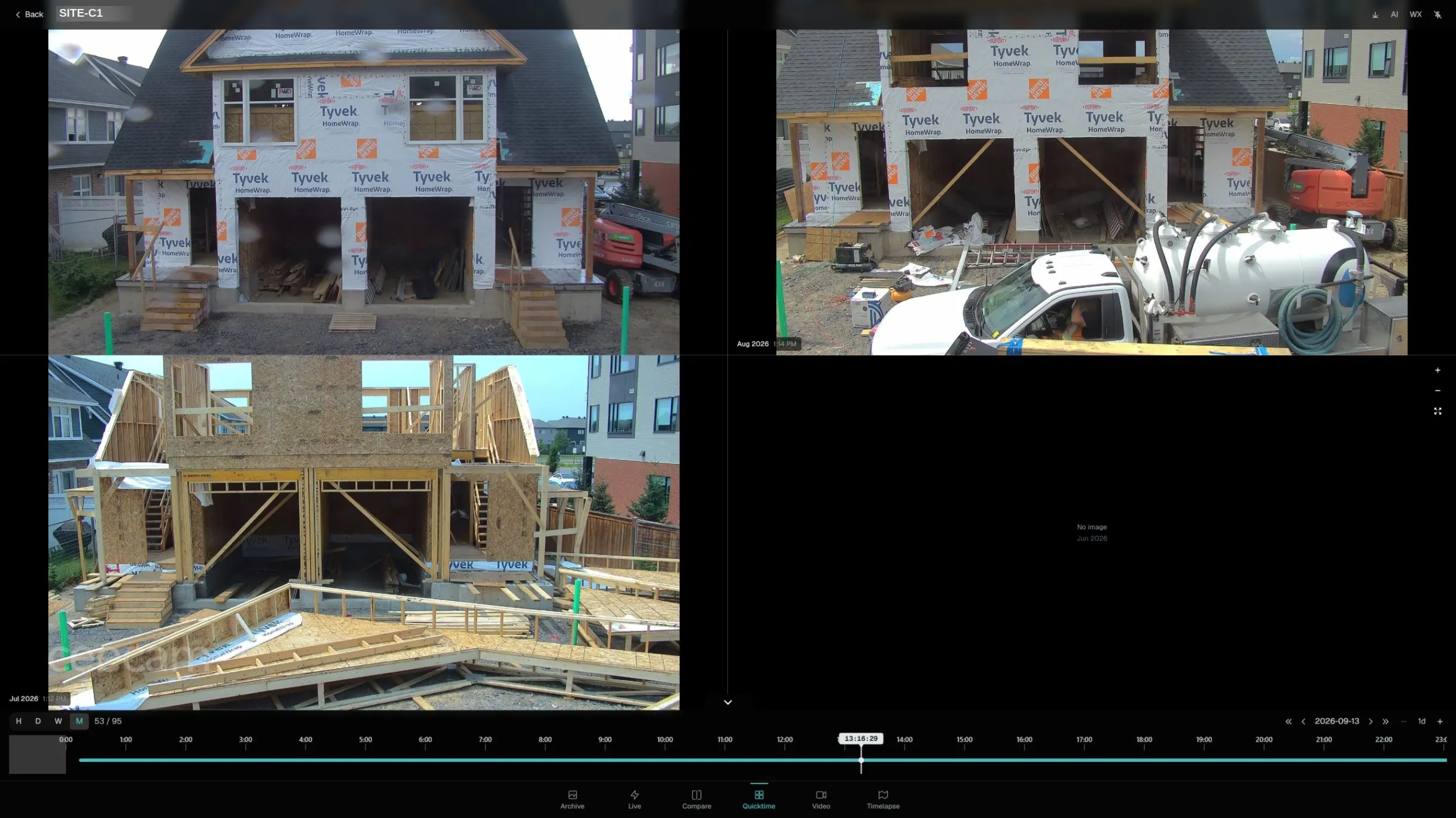
Progression
A build at a glance
Step the same viewpoint through hours, days, weeks or months. Gaps are shown rather than hidden, so a period with no capture is obvious instead of silently skipped.
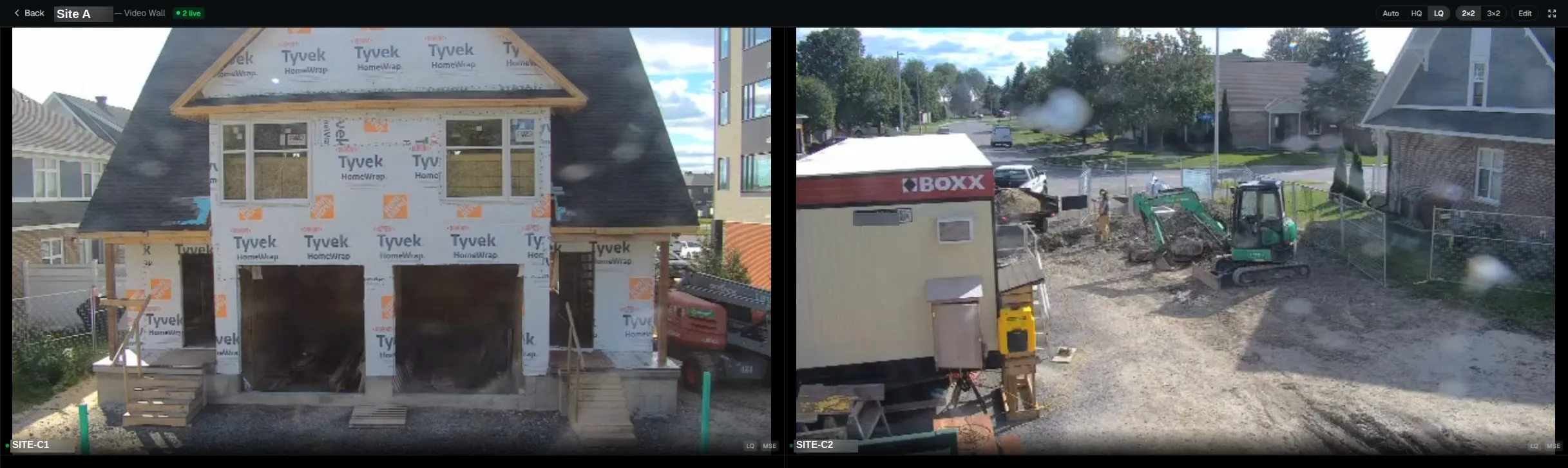
Video wall
Every camera on one screen
Projects with more than one camera get a single wall rather than a login per unit. Switch between layouts and quality levels depending on what the connection can carry.
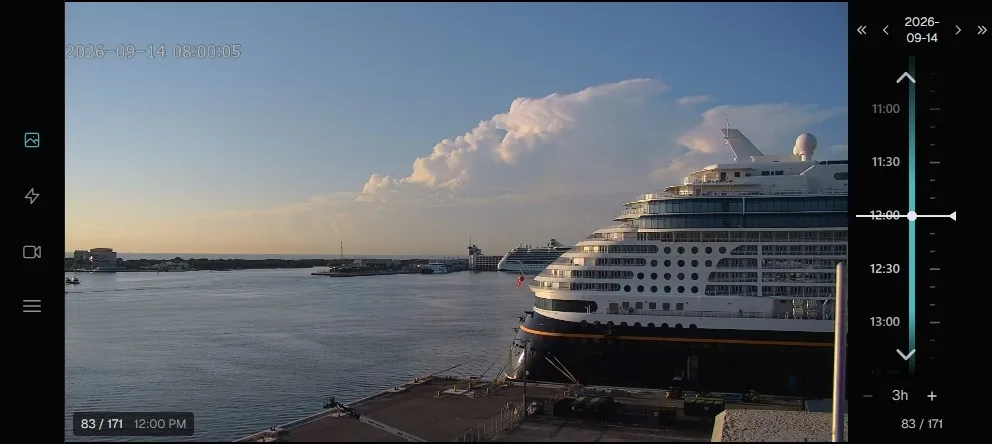
Scrub through a day
The time rail moves through everything captured that day, frame by frame.
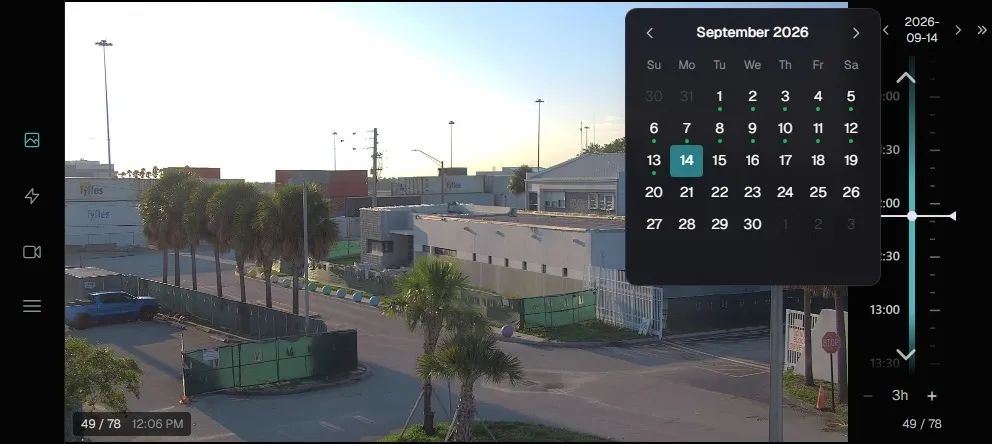
Find a date that has footage
Days with images carry a marker, so you are never hunting through empty dates.
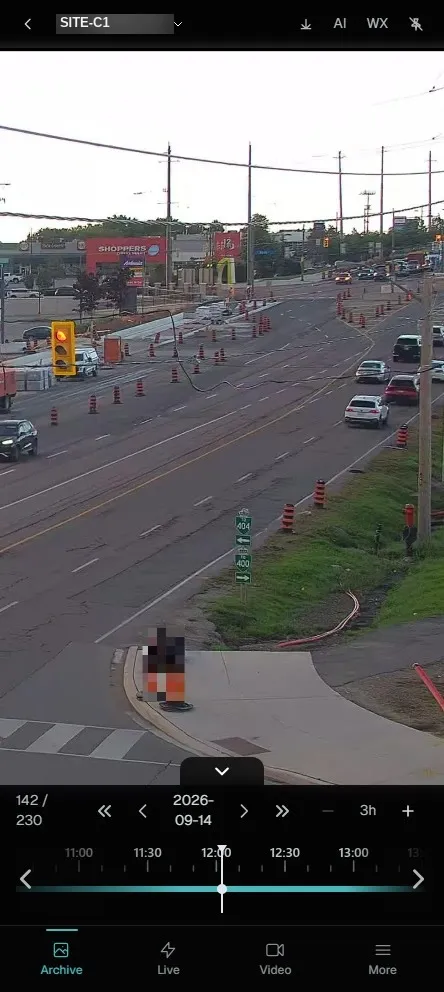
Works on a phone
The same archive and live views in a layout built for a handset. No app to install.
Beyond the viewer
Built for how projects actually run
Share without an account
Send an owner, investor or designer a link that expires after 7, 30 or 90 days. Revoke any link at any time, and see how many times each has been opened. One link per audience means you can cut off one without disturbing the others.
Privacy masking that sticks
Mask a neighbour's window, a car park or a footpath, and optionally have people detected and masked automatically. Masking is applied before the image is written to storage, so the hidden detail is never kept in the first place.
Procore integration
Two-way sync with Procore, an embedded CeePlayer panel inside it, and RFI creation from an image. If Procore is unavailable the viewer carries on, and missed days are backfilled once it returns.
Exports built for you
Request a timelapse or an image archive and CeePlayer builds it in the background, then tells you when it is ready to collect. No waiting on a progress bar.
Weekly reports
A midday image from every viewpoint for each day of the previous week, issued automatically on Mondays.
Access you control
Roles and permissions decide who can view, download, share or administer a project. Every consequential action is written to an audit log.
Book a walkthrough
See it on a real project
CEECAM will take you through CeePlayer on a live deployment and answer the questions that matter for your site. Tell us what you are building and we will arrange a time.