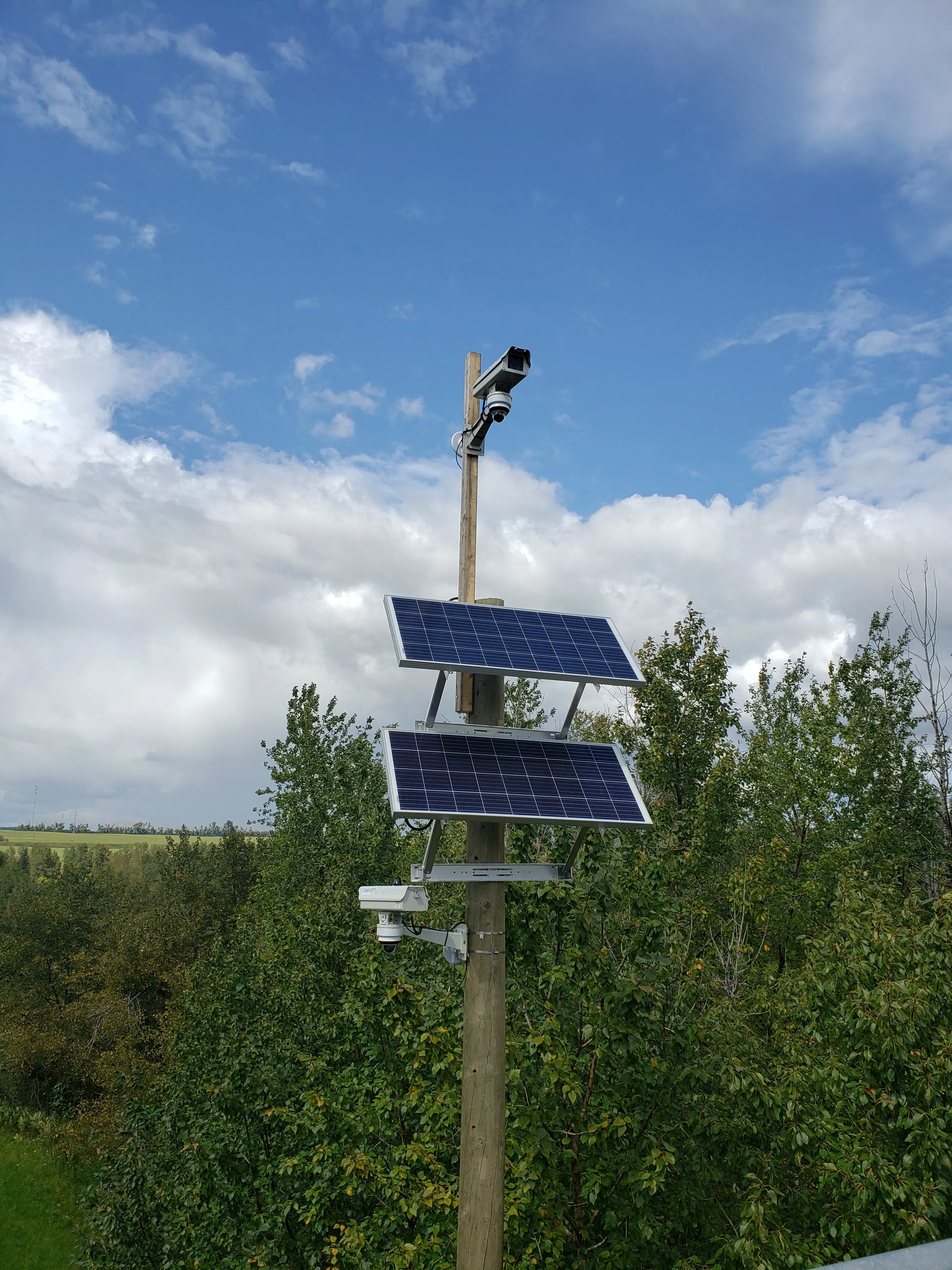
Interior detection for the zones cameras can't reach — photo-verified, monitored, unified with CSS.
When cameras can't cover everything — the enclosed yard with sight-line gaps, the storage cage behind a stairwell, the mechanical room nobody can see from outside — CEECAM deploys a wireless detection layer on top of Ajax Systems. Photo-verified motion, narrow-beam door and window sensors, and UL-listed fire detection — monitored 24/7, integrated into CeePlayer, unified with your CSS perimeter.
Covers the zones cameras can't see Photo-verified alarms (see it, don't guess) UL-listed smoke and heat detection Unified site arm/disarm with CSS Integrated into CeePlayer CEECAM-deployed, monitored 24/7
This isn't an Ajax resale — CEECAM deploys, integrates, and monitors the system as a managed service. The Ajax platform is a tool inside that service, not the product being sold.
Learn about the managed service →
What’s in the system
01
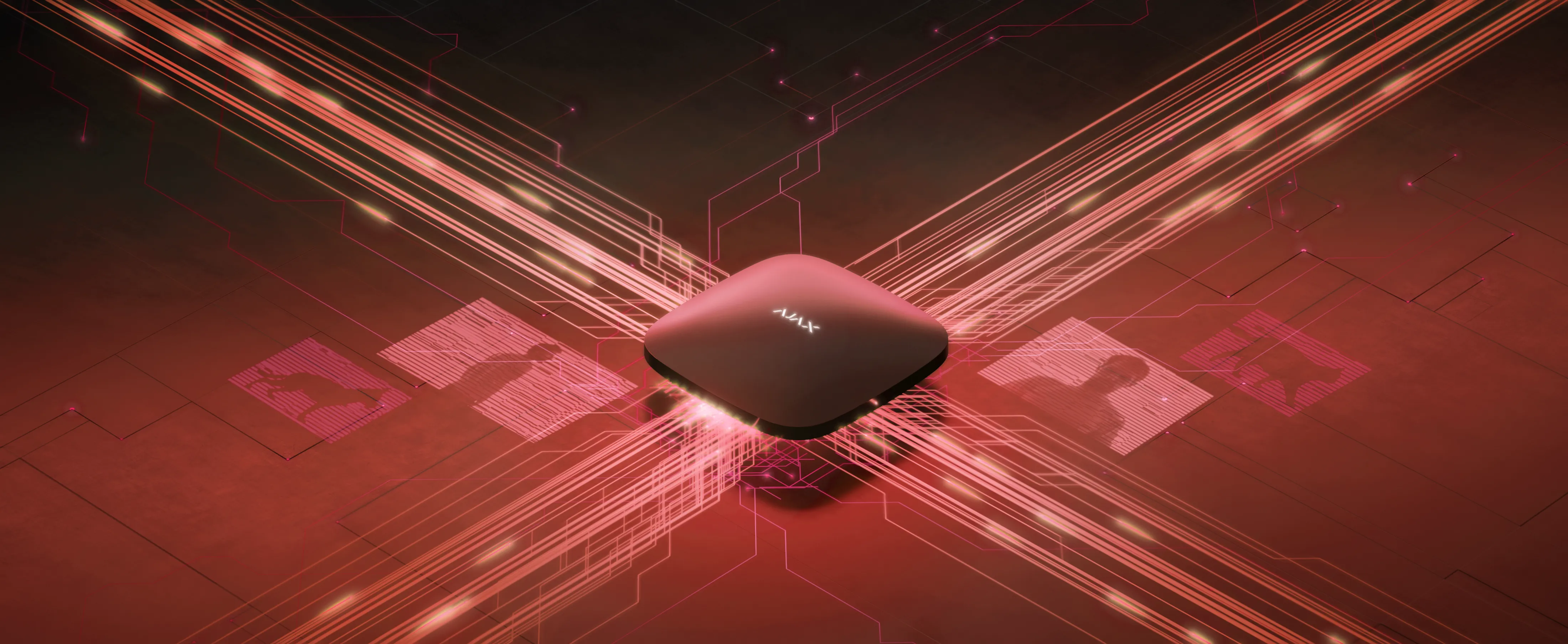
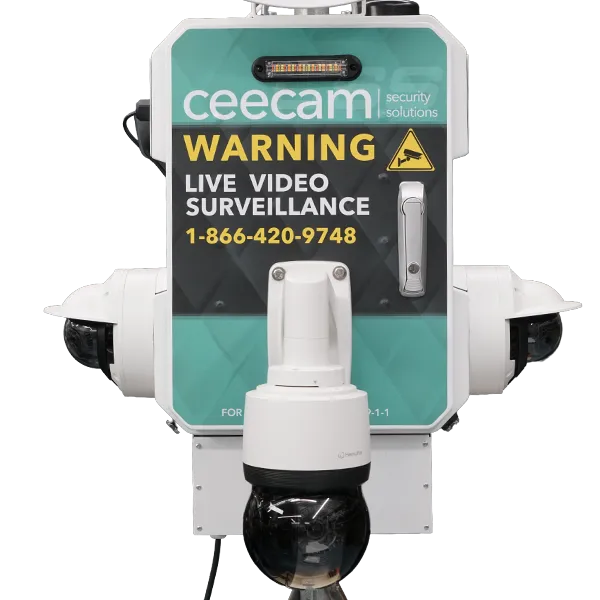
Hub in the CSS-M cabinet
No second enclosure, no extra power drop — the Ajax hub rides the existing CSS station
02
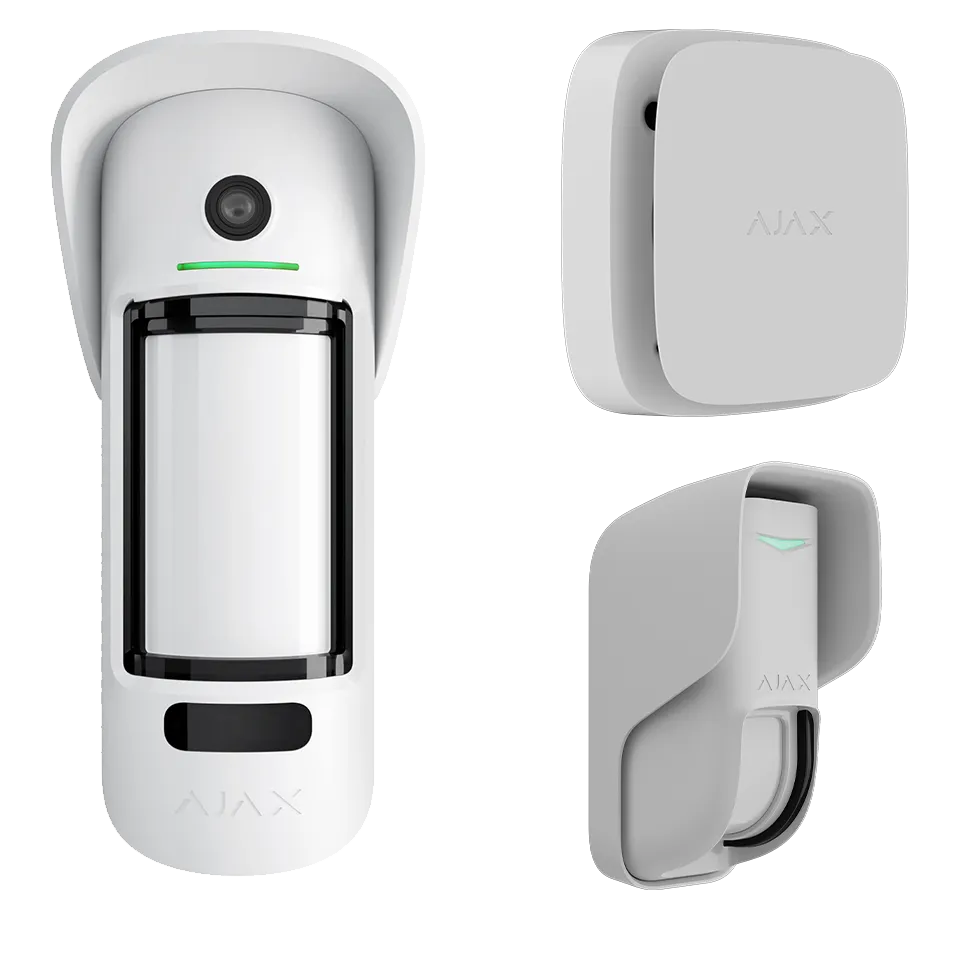
Photo-verifying motion sensors
Each alarm lands with a 5-photo series so operators see what tripped it
03
Narrow-beam door & window sensors
Tight 8° detection at doorways and window openings — no nuisance triggers from wind or weather
04
UL-listed fire detection
Combined smoke and heat detection (UL-listed) — triggers on both smoke and rapid temperature rise, multi-unit sync across a zone within 20 seconds
05
CeePlayer integration
Alarm events, photos, and sensor health flow into CeePlayer alongside CSS video
06
Unified arm/disarm
One app sets the whole site's posture — CSS monitoring state follows Ajax mode
07
24/7 monitoring
Trained operators verify every alarm and dispatch response — no app notifications to sort through
Typical deployments
01
Interior layer on top of CSS
On an existing CSS site
The common case. Once the structure is enclosed and interior choke points exist, the Ajax hub mounts inside the CSS-M cabinet and wireless sensors fan out to doorways, storage areas, and fire-risk zones. One deployment, two layers of coverage.
02
Hub + radio extenders
Large or multi-building site
On sprawling, linear, or multi-structure projects, radio extenders bridge coverage to detached buildings and far corners without running cable through an active site.
03
Interior detection only
Standalone interior deployment
Projects past the video-security phase (late fit-out, post-occupancy protection) or sites where cameras aren't in scope. Same wireless detection, same monitoring, deployed into a temporary or existing power and comms drop.
What we deploy
The typical sensor kit CEECAM deploys on site. Quantities and exact mix are scoped per project.
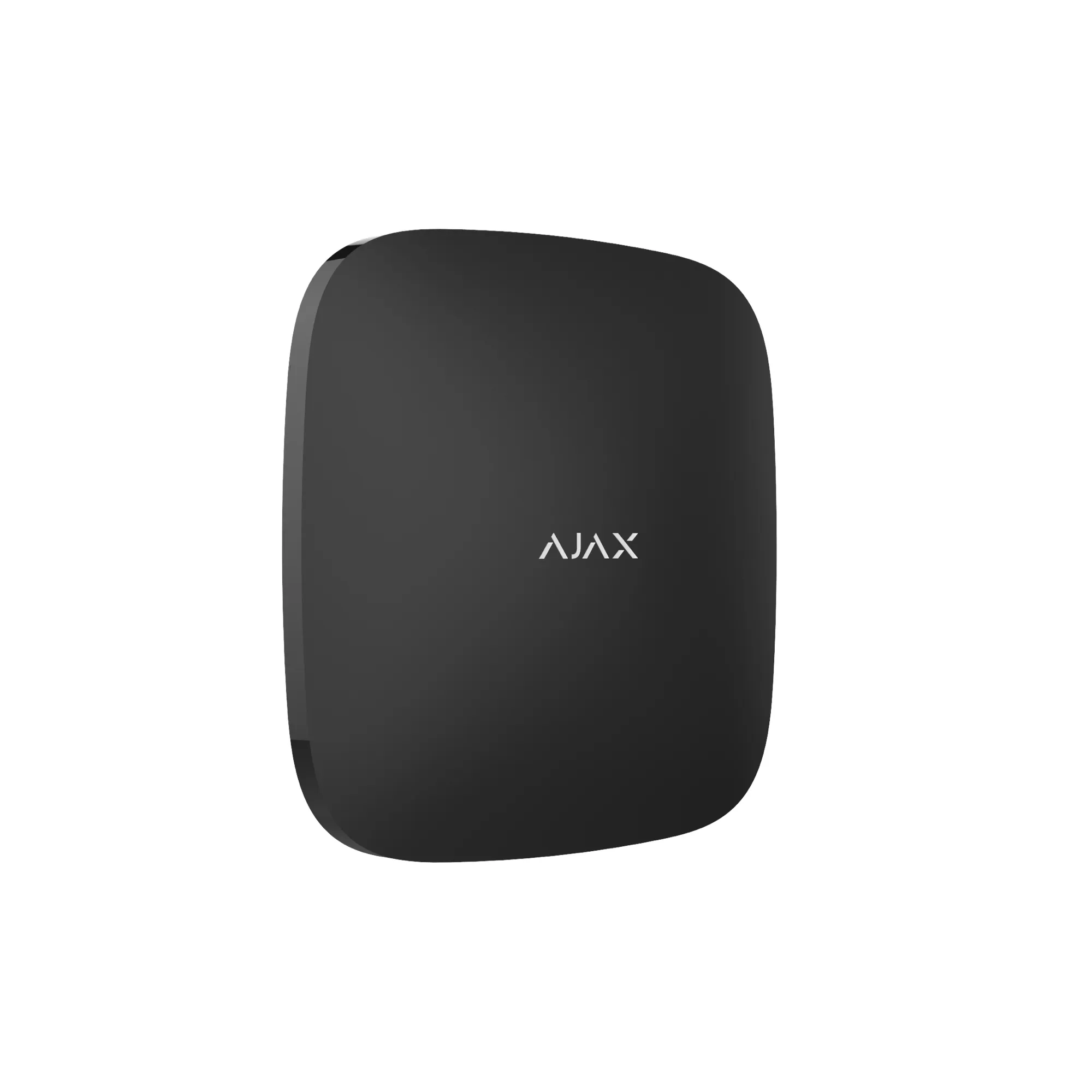
Central controller
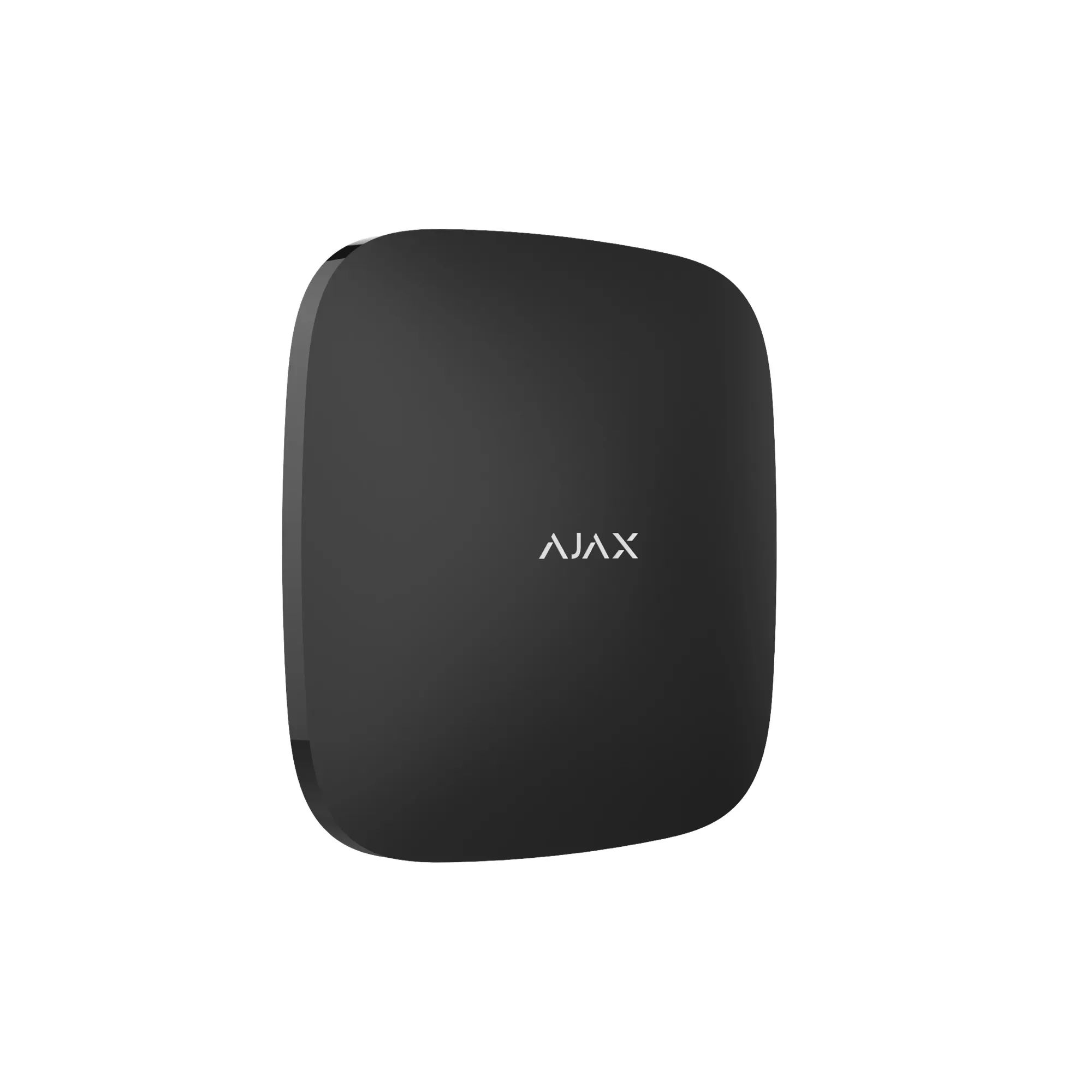
Hub 2 Plus
Multi-path connectivity, supports up to 200 devices on site.
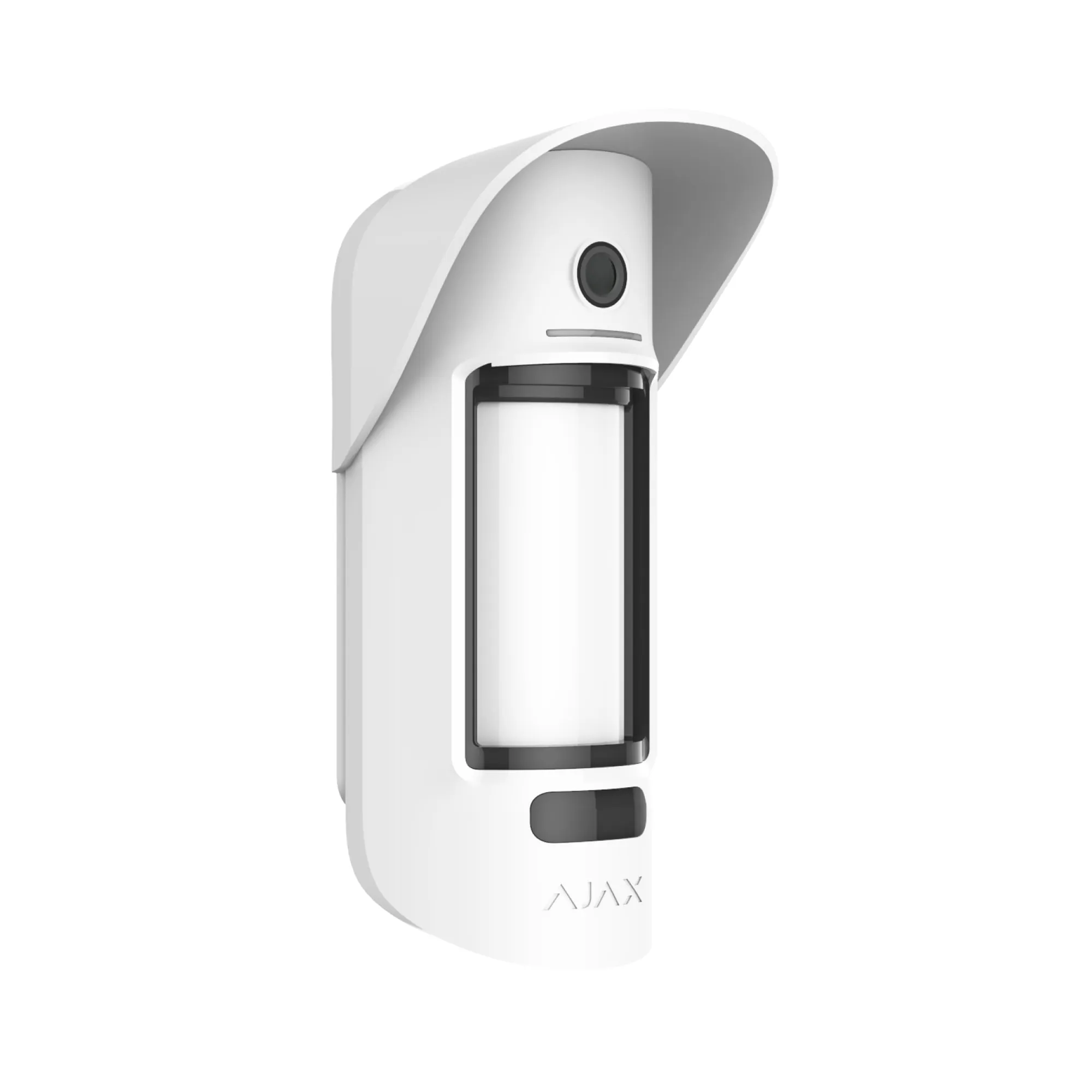
Outdoor motion + photo
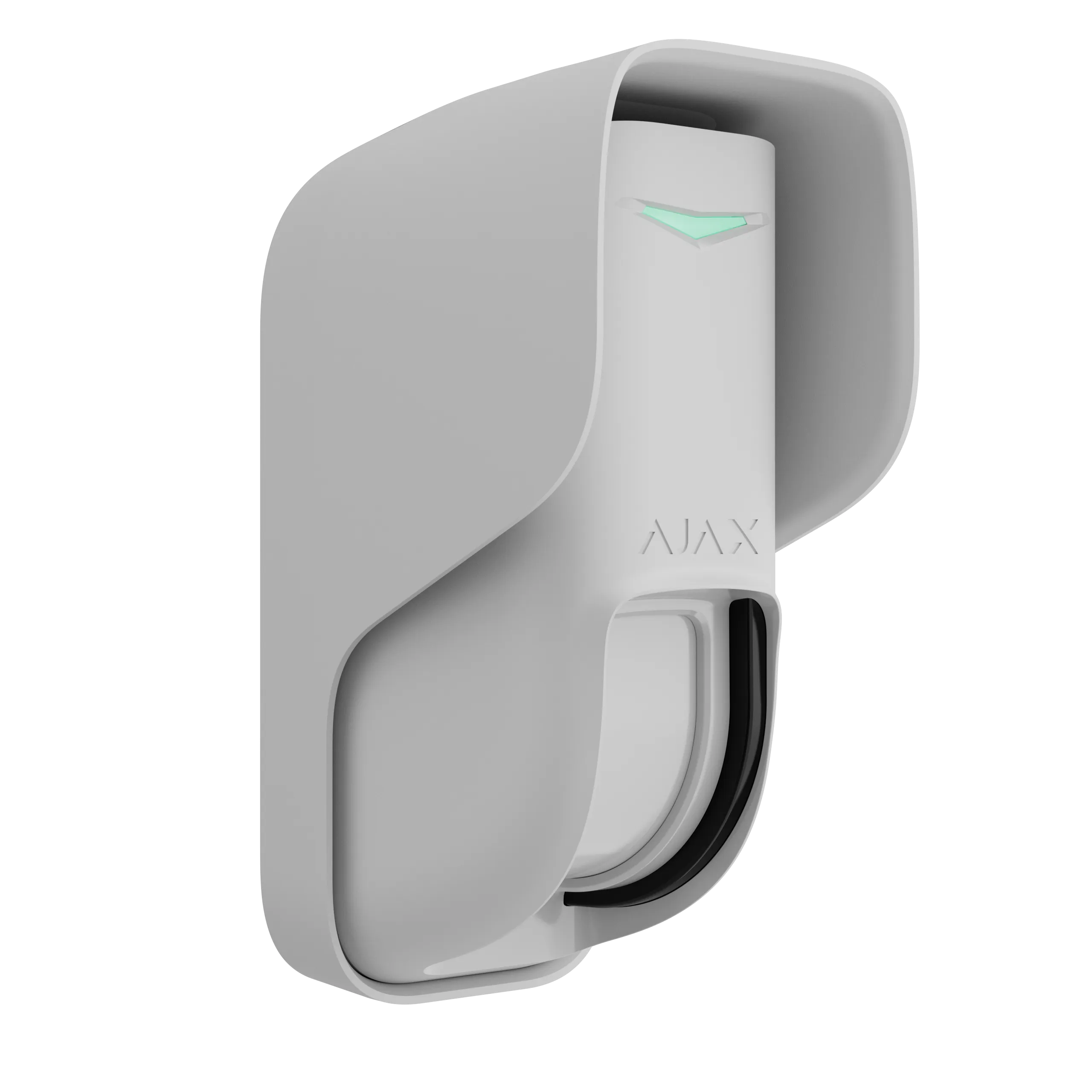
MotionCam Outdoor PhOD
Wireless passive-infrared (PIR) motion sensor with 5-photo verification on every alarm.
Door & window detector
CurtainProtect Outdoor
Narrow 8° beam for doorways and window openings.
Smoke + heat detection
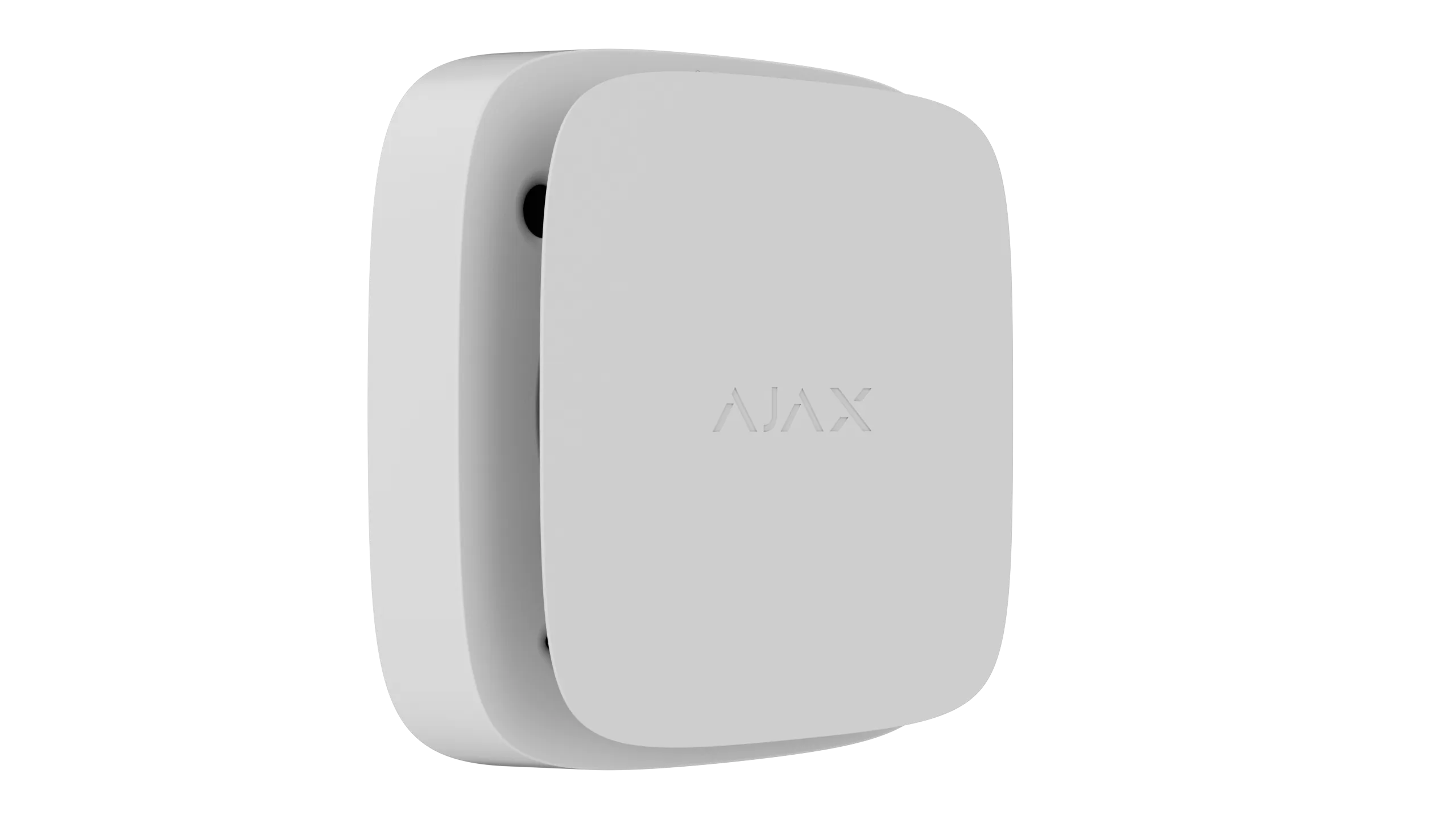
FireProtect 2
UL-listed combined smoke and heat sensor — triggers on both smoke and rapid temperature rise.
Radio range extender
ReX
Extends coverage to multi-building or far-corner zones.
Overview
Construction-site theft and fire rarely start where the perimeter cameras are pointing. They start in the enclosed yard with a sight-line gap, the storage cage behind a stairwell, the mechanical room nobody can see from outside, the trades area with a hot-work permit and exposed materials. That's the problem this layer of the CEECAM service solves. CEECAM deploys Ajax Systems hardware — wireless, no wall penetrations, no cable runs through active work — to cover the interior zones the cameras can't reach. Every alarm is photo-verified, flows into CeePlayer alongside CSS video, and is dispatched by CEECAM's 24/7 monitoring partners.
01
The problem it solves
Cameras cover fence lines and open yards. They don't cover the inside of the loading dock, the materials cage, the mechanical room, or the trades tool area. Those are the zones where theft and fire actually start — and Ajax detection covers them without needing a new camera or a new cable run.
02
Phases in with the build
The interior detection layer goes in once the structure is enclosed — when doors, windows, and interior rooms exist for sensors to cover. Typically mid-project, after CSS perimeter cameras are already running, and stays through to handover.
03
Every alarm comes with a photo
When a sensor trips, a 5-photo series lands with CEECAM's monitoring partners within ~9 seconds. Operators see what set it off — a tarp in the wind, a raccoon, or someone who shouldn't be there — before anyone dispatches a response.
04
Verified by CSS when it can be
On sites with CSS cameras, an Ajax trigger also pulls matching live video. Operators cross-verify the event, activate deterrents, and route dispatch — a fully verified alarm.
05
One dashboard, one history
Ajax events feed directly into CeePlayer, so the project team sees alarms, sensor health, and photos in the same timeline as CSS video. The native Ajax app stays available for deep configuration; CeePlayer is the at-a-glance project view.
06
One app arms the whole site
Once this layer is in place, the Ajax app becomes the single control surface for the site. Arming Ajax drives CSS into its monitoring posture; disarming it in the morning releases both at once. A super opening the site doesn't touch two systems, and the two layers can't drift out of sync.
07
Turn-key scope
CEECAM runs site survey, sensor placement, hub configuration, CeePlayer integration, monitoring enrollment, and removal at project completion. The project team sees one managed service — not a stack of vendors to coordinate.
Frequently asked
Common questions
Answers to what estimators, engineers, and project teams ask most.
We have sight-line gaps in our camera coverage — how does this help?
Wireless detection sensors go exactly where the cameras can't see. Doorways the CSS-M can't reach, interior yards blocked by the building's own footprint, storage cages behind stairwells, mechanical rooms — any interior zone becomes covered without adding cameras, cable, or new power drops. Alarms route through the same monitoring partners as the CSS video.
When in a project does this layer get installed?
Once the structure is enclosed. Sensors need doors, windows, and interior rooms to cover, so the typical CEECAM sequence is CSS perimeter video at groundbreaking, then the interior detection layer mid-project when the envelope closes, running through to handover.
What happens when a sensor triggers?
A 5-photo series is delivered to CEECAM's monitoring partners within ~9 seconds of the trigger. A trained operator verifies what caused the alarm, pulls matching CSS video if available, and dispatches the appropriate response — police, security, or site contact. False alarms are cleared without dispatch. Genuine events get a verified response.
Can we deploy this without CSS cameras?
Yes. Standalone deployments are used when video security isn't in scope, or when a project is past the active-construction phase (late fit-out, post-occupancy protection). The hardware, the monitoring, and the CeePlayer integration are all the same — the hub mounts into a temporary or existing power and comms drop instead of the CSS cabinet.
How is this different from buying Ajax off the shelf?
Ajax is the platform CEECAM deploys on; it isn't what CEECAM sells. The managed service covers site survey, placement scoped to a construction phase, hub configuration, monitoring enrollment, CeePlayer integration, and removal at project end. Everything is temporary, non-destructive, and scoped to the build — not a permanent security install.
Does it integrate with our CeePlayer dashboard?
Yes. Alarms, photos, and sensor health flow through the platform API into CeePlayer alongside CSS video on a unified timeline. The native Ajax app remains available for deep configuration and full sensor-level control; CeePlayer is the project team's at-a-glance view.
How does arming and disarming work across the site?
Once the interior detection layer is in place, a single app is the whole site's security control. Setting the site to armed triggers CSS's monitoring posture; disarming it in the morning releases both layers together. Supers don't manage two systems, and the two layers can't drift out of sync.
What about fire detection — is it UL-listed?
Yes. The fire detection sensors CEECAM deploys are UL-listed combined smoke and heat detectors — optical smoke detection plus heat detection that triggers when temperature spikes rapidly. Appropriate for commercial construction sites and projects with insurer or Authority Having Jurisdiction (AHJ) requirements. Units sync to alarm together across a zone within 20 seconds of the first trigger.
Can the hardware be purchased?
Yes. Hardware is supplied under a CEECAM service agreement — purchase, lease, or rental. Under every term CEECAM deploys, integrates, monitors, and recovers the system; the detection layer is not supplied as a bare kit without that service.
We measure how the site is used with Plausible, which sets no
cookies and stores nothing on your device — it runs on every visit
and is not affected by this choice. You can also allow Google
Analytics, which uses cookies for a more detailed picture. This banner controls Google Analytics only.Cookie Policy